
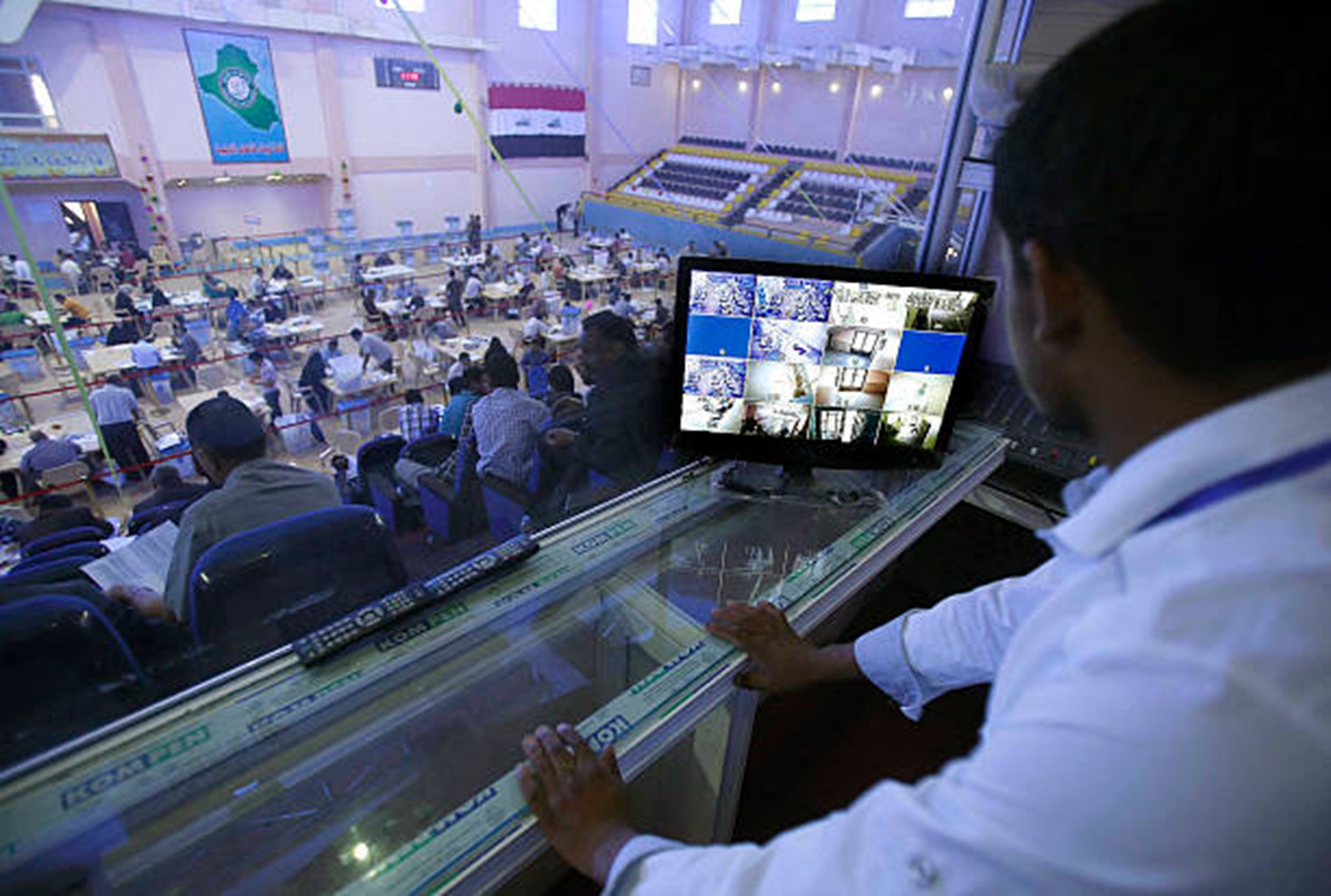
For businesses with offices in more than one Iraqi city, maintaining stable networks can be difficult. Each branch may depend on different internet providers, equipment, users, and support response times.
A clear network monitoring setup helps teams understand what is happening across locations without waiting for complaints or repeated disruptions. Instead of treating each branch separately, companies can build a single view of performance, uptime, and basic security signals.
This article outlines key planning considerations for multi-branch monitoring in Iraq, helping decision-makers choose a practical setup that supports daily operations, future growth, and improved control.
Key Takeaways
- A strong network setup keeps all branches visible and connected.
- Early alerts help reduce downtime and business disruption.
- Security monitoring helps protect users, devices, and data.
- Cloud performance tracking supports smoother daily operations.
- Reports help guide upgrades, budgets, and IT planning
Network Monitoring Setup for Multi-Branch Businesses Across Iraq
Security Checks for Multi-Branch Networks
Security should be part of every network monitoring setup. More branches mean more devices, more users, and more access points. This can increase risk if the network is not managed properly.
Security monitoring can help identify:
- Unknown devices on the network
- Unusual login attempts
- Suspicious traffic
- Firewall rule issues
- Remote access problems
- Unusual data movement
- Devices that may need updates
A strong network monitoring setup should also work with endpoint protection. While network tools monitor traffic, firewalls, and infrastructure, endpoint security tools help protect laptops, desktops, and servers. Together, they provide stronger protection across all branches.
Businesses should also use strong passwords, multi-factor authentication, a separate guest Wi-Fi network, and clear access rules to reduce risk. These steps help keep branch systems safer and easier to manage.
Cloud Infrastructure and Workload Scaling
Many businesses in Iraq now use cloud platforms for email, accounting, customer management, file storage, and business applications. Because of this, network monitoring should include cloud infrastructure performance.
Cloud monitoring can help track:
- Application response time
- Login performance
- Server resource usage
- Storage capacity
- Database performance
- Error rates
- Cloud cost trends
As the business grows, systems may require additional resources during peak periods. This is where workload scaling becomes useful. Monitoring data helps businesses understand when to increase or reduce resources based on real demand.
For example, a retail company may need more system capacity during seasonal sales, while a logistics company may need stronger performance during peak delivery periods. A well-planned network monitoring setup provides teams with the data they need to make these decisions with greater confidence.
Change Tracking for Software and Network Updates
Change tracking is important for businesses that manage multiple branches, software systems, cloud tools, and network devices. Sometimes a network issue is not caused by an internet outage or hardware failure. It may occur after a software update, a firewall rule change, a cloud configuration change, or an application release.
For multi-branch businesses across Iraq, change tracking helps IT teams understand what happened before a problem started. This makes troubleshooting faster and more accurate.
Change tracking can help answer questions such as:
- What update was made before the issue appeared?
- Which branch was affected first?
- Was a firewall, router, or cloud setting changed?
- Did a new software release increase traffic?
- Did a security rule block an important service?
- Was the issue caused by a local branch device or a central system?
Tools such as Azure DevOps can help internal software teams track application updates, deployments, bug fixes, and configuration changes. When this information is connected with network monitoring, teams can see whether a recent change affected performance, access, or security.
Reporting and Continuous Improvement
A network monitoring setup should provide useful reports, not just alerts. Reports help business owners understand how the network is performing across all branches.
Reports may include:
- Monthly uptime by branch
- Most common network issues
- Bandwidth usage trends
- Device health status
- Security alert summaries
- Cloud performance trends
- Recommendations for upgrades
These reports help businesses make better decisions about internet providers, equipment replacement, performance trends, and IT budgets.
The setup should also be reviewed regularly. As the company opens new branches, hires more employees, adds cloud tools, or upgrades systems, its monitoring rules should be updated accordingly.
Backup Internet and Failover Planning
Branches that depend on cloud tools, online payments, customer systems, or remote access should consider a backup internet connection. A failover connection helps keep important services running if the main connection goes down.
This is especially useful for branches where downtime can affect sales, communication, customer service, or daily operations.
Backup planning may include:
- Secondary internet connection
- Automatic failover settings
- Backup router or modem
- Testing schedule
- Priority systems during outages
- Provider contact details
Alert Prioritization and Response Workflow
Not every network issue needs the same level of response. A firewall failure, server outage, or internet outage can disrupt daily operations and should be addressed promptly. A minor device warning may not need immediate action.
Alert prioritization helps the IT team focus on the most important problems first. It also prevents teams from wasting time on low-risk alerts while critical issues are still active.
A clear response workflow should define:
- Who receives alerts
- Which issues are critical
- Expected response time
- Escalation steps
- Branch contact person
- Follow-up process
This helps multi-branch businesses respond faster, reduce confusion, and keep network support more organized.
Conclusion
A reliable network monitoring setup helps multi-branch businesses across Iraq stay connected, secure, and ready for growth. When every branch depends on a stable internet connection, cloud tools, user devices, and shared systems, visibility becomes essential. Good monitoring helps teams detect issues early, protect business data, support better performance, and make smarter decisions about upgrades.
It also gives managers confidence that each location is being watched and improved over time. With the right setup, technology becomes easier to control and less stressful to manage.
To strengthen your branch network strategy, visit Multiverse and explore smarter IT solutions today.
FAQs
How often should a multi-branch network be reviewed?
A multi-branch network should be reviewed at least every quarter. Businesses should also review it after opening a new branch, changing internet providers, adding new cloud tools, or upgrading major equipment.
What information should each branch share with the IT team?
Each branch should share internet provider details, equipment lists, user counts, business hours, backup contact numbers, and any recurring connection problems. This helps the IT team respond faster when issues happen.
Should every branch have a backup internet connection?
A backup connection is helpful for branches that depend on online payments, cloud systems, customer service, or shared business software. Even a basic backup link can keep important work moving during an outage.
Who should be responsible for network monitoring alerts?
Alerts should go to the IT team, managed service provider, or a trained internal contact. Branch managers may receive summary updates, but technical alerts should be handled by people who can investigate and respond quickly.
Can network monitoring help with internet provider disputes?
Yes. Monitoring records can show downtime, speed drops, packet loss, and service interruptions. This gives businesses clearer evidence when discussing service quality with internet providers.