
A physician tries to open a patient record, but the examination-room computer will not connect to the network. At reception, a printer stalls as the waiting room fills. Elsewhere, an outdated laptop quietly shares a network with clinical equipment. Which problem should you address first?
In healthcare, a minor technical failure can quickly affect patient service, staff productivity, and data security. Managed IT services help Iraqi clinics move beyond last-minute repairs by protecting devices, monitoring critical systems, and providing employees with a dependable support path. Clinics experience fewer disruptions, clearer accountability, and more time to focus on patients rather than frozen screens, forgotten passwords, and unexplained outages.
Key Takeaways
- Maintain a current record of every device connected to your clinic.
- Separate clinical equipment, employee systems, and guest Wi-Fi.
- Schedule security updates around patient care instead of delaying them.
- Test data restoration rather than assuming every backup will work.
- Measure support by response quality, reliability, and preventing disruptions.
8 Managed IT Services That Help Iraq Clinics Secure Devices and Reduce Downtime
Build a Living Device Map
Every secure technology plan begins with knowing what is connected. A living device map records each computer, tablet, printer, wireless access point, server, and connected medical device, then updates whenever equipment joins, moves, or leaves your environment.
You may discover an aging reception laptop, a personal tablet used during rounds, or diagnostic equipment running an outdated operating system. Managed IT services can track device ownership, software versions, warranty status, location, and access permissions, so you know what needs patching, replacing, monitoring, or isolating.
A structured IT management approach can also help you avoid unnecessary purchases and identify aging equipment before it fails during a busy clinic session.
Keep your inventory active and up to date, because you cannot protect a device your team does not know exists.
Separate Clinical Network Traffic
Not every device inside your clinic should be able to communicate with every other device. Network separation places clinical systems, employee computers, cameras, guest Wi-Fi, and connected equipment into controlled digital zones.
Think of these zones as separate hallways with locked doors. A visitor using your Wi-Fi should not have a technical route to a billing workstation. Similarly, an older smart television or printer should not serve as a stepping stone for accessing patient information. Proper separation limits how far an infected or unauthorized device can travel.
Carefully configured network monitoring and security solutions can create these boundaries while allowing your employees to reach the applications they need.
Pro-tip: Start by separating guest Wi-Fi and older connected equipment, since they often create the clearest avoidable exposure.
Patch Around Patient Care
Security updates correct weaknesses in operating systems, applications, firewalls, and remote-access tools. In a busy clinic, however, they must be scheduled around appointments, prescriptions, laboratory work, billing, and access to patient records.
CISA listed security flaws in its Known Exploited Vulnerabilities Catalog that attackers have exploited in real-world incidents and recommends prioritizing vulnerability management. For clinic teams, the lesson is simple: a known weakness should not remain open merely because installing an update feels inconvenient.
Managed IT services can group devices by clinical importance, test sensitive updates, schedule installations outside busy hours, and prepare a rollback plan if a system behaves unexpectedly afterward.
A good patching routine protects your clinic from active risks without turning necessary maintenance into a disruption to patient care.
Catch Quiet Endpoint Threats
Many clinic security incidents do not begin with a dramatic warning. They start with small signs, such as an unusual login, a new program appearing on a workstation, disabled protection, or a device communicating in ways it normally would not.
That is why endpoint detection should look at both user accounts and device behavior. An HHS phishing investigation involved an attack that compromised 45 employee email accounts and exposed information connected to 189,763 individuals. For clinics, the outcome is clear: one compromised email account can become a gateway to connected devices, shared systems, and sensitive patient information unless suspicious activity is identified and contained early.
Machine learning security can help sort and prioritize unusual activity, but experienced people still need to review the context and decide what action to take.
Pro-tip: When an account alert and a device alert appear close together, treat them as a single incident rather than two separate problems.
Spot Trouble Before Downtime
Patients should not be the first people to notice that your systems are slowing down. Network monitoring checks internet links, switches, wireless access points, servers, and important applications for early warning signs.
Instead of waiting for a complete outage, your support team can investigate rising delays, repeated disconnections, overloaded bandwidth, abnormal traffic, or failing hardware. These signals create time to reroute traffic, replace equipment, or correct a configuration before reception desks and examination rooms feel the impact.
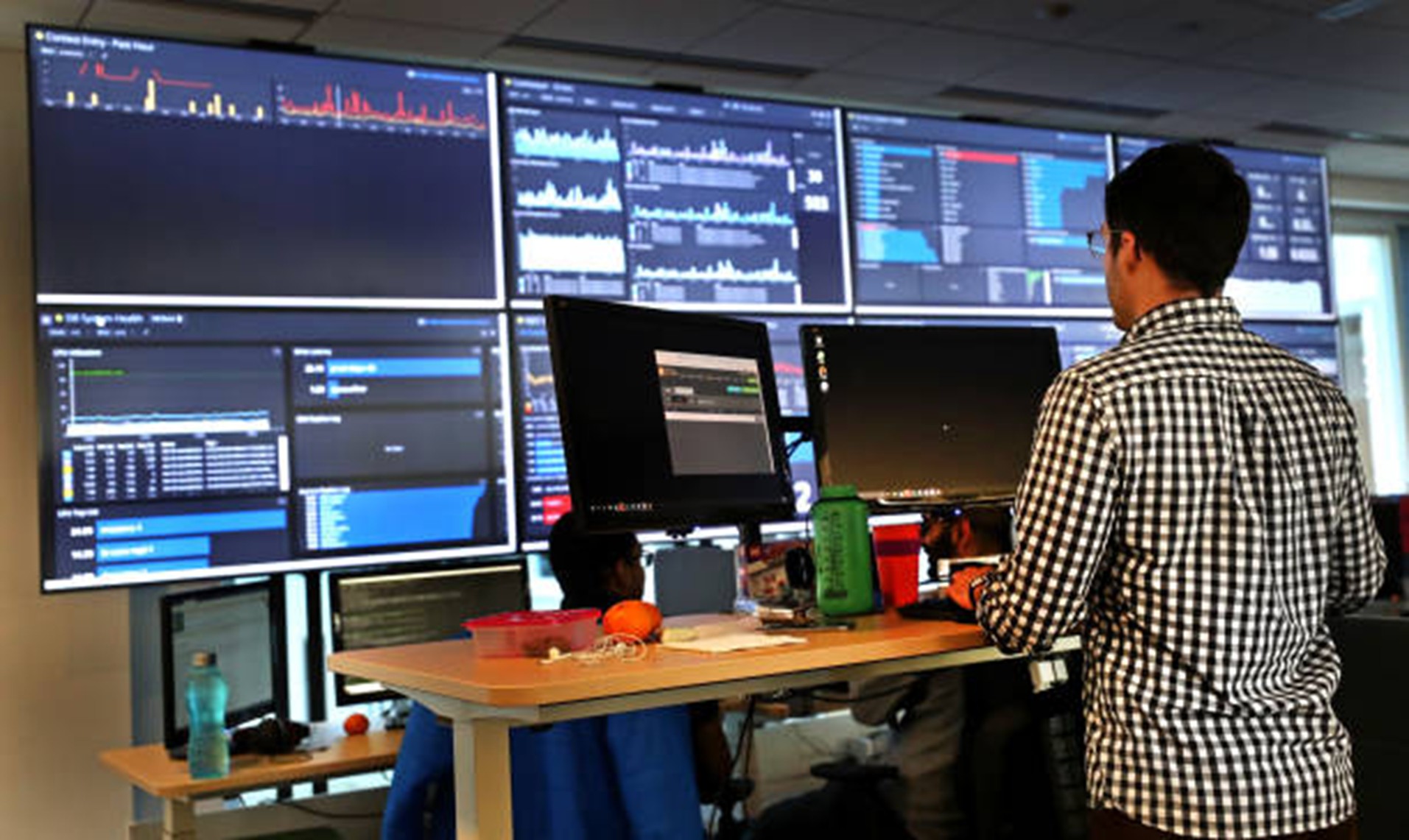
Through Network Monitoring, you can gain real-time visibility, device health tracking, bandwidth insights, performance dashboards, and alerts without having to monitor technical screens yourself.
When you review patterns by room, device, and time, you can often solve a recurring slowdown before it becomes a clinic-wide complaint.
Prove Cloud Recovery Works
A backup has limited value until it can return complete, readable information within an acceptable period. Cloud recovery covers the process of restoring systems after accidental deletion, equipment failure, ransomware, or a major service interruption.
Your clinic should know which records must return first, who authorizes restoration, and how essential work continues during recovery. Effective cloud management includes backup checks, access reviews, retention rules, and scheduled restoration exercises rather than storage alone.
A suitable Cloud Service Provider can support these responsibilities, but your team should still run small drills using nonproduction information. Record the outcome and correct missing files, permissions, or system dependencies before a real emergency occurs.
Pro-tip: Test a small restoration regularly, because a “backup successful” message does not prove that usable data can be recovered.
Lock Down Powerful Accounts
Administrator accounts can install software, create users, change security settings, and access large amounts of clinic information. Because those permissions are powerful, they should never be treated like ordinary employee logins.
Give your staff standard accounts for everyday work and reserve elevated access for approved technical tasks. Stronger sign-in protection, separate administrator identities, and prompt removal of access can reduce the damage caused by stolen or misused credentials. Important system changes should also be recorded so unexpected activity can be investigated later.
Managed IT services can help you define who receives privileged access, when it may be used, and how quickly it should be removed after an employee changes roles or leaves.
Pro-tip: Limiting administrator access gives you stronger control over sensitive systems without making routine work harder for your clinical staff.
Measure Support Through Outcomes
The number of closed tickets does not reveal whether your technology is becoming safer or more dependable. Outcome-based support looks at response times, recurring problems, update completion, recovery-test results, system availability, and disruptions prevented.
Your monthly review should translate technical activity into practical clinic language. Did examination rooms remain operational? Did employees receive help quickly? Did the same printer, login, or wireless problem return? These answers show whether your support arrangement is solving underlying causes or merely closing requests.
For cloud-hosted workloads, AWS monitoring may track service availability, account activity, resource use, and backup status. The value does not come from receiving more alerts; it comes from understanding what those alerts mean for your daily operations.
Pro-tip: Request a monthly summary explaining what happened, what was prevented, and which improvement your clinic should prioritize next.
When Reliable Technology Becomes Part of Patient Care
A single firewall, a single backup, or a hurried repair do not create secure clinic technology. It develops when you know what is connected, restrict unnecessary access, monitor early warning signs, test recovery, and give employees a reliable way to request help.
For Iraq clinics, managed IT services consolidate these responsibilities into a single practical operating plan. You gain clearer ownership of device security, updates, performance, and incident response while your team faces fewer disruptions and less technical guesswork. Most importantly, your systems become better prepared to support the real mission: delivering consistent, trusted care whenever a patient enters your clinic.
Strengthen your clinic’s devices, networks, and daily support with Multiverse Solutions.
FAQs
What do managed IT services cover for an Iraqi clinic?
They can cover device support, software updates, security monitoring, backups, cloud systems, network performance, access control, and incident response.
How can IT support reduce clinic downtime?
Proactive support identifies failing hardware, unstable connections, and software issues early, allowing problems to be resolved before they disrupt patient care.
Can a small clinic benefit from managed support?
Yes. Small clinics often lack in-house technical expertise, so managed support provides dependable maintenance, security, backup, and troubleshooting assistance.
Is artificial intelligence enough to protect clinic devices?
No. AI can detect unusual activity, but it must work alongside secure access, updates, staff awareness, tested backups, and human review.
How often should clinic backups be tested?
Backups should be tested regularly based on data importance, with each test confirming that files are complete, readable, and recoverable.